background-top

Ates Soft and Logik proudly present

BZR Manager

EHS management software

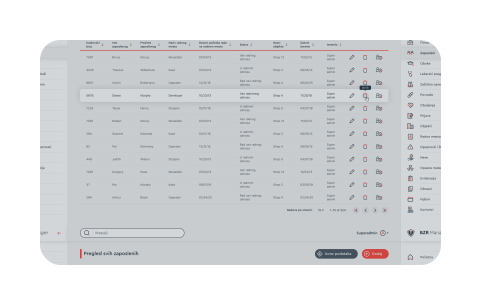
calendar page screenshot employee page screenshot
globe icon

In the modern world, more and more attention is paid to Environment, Health and Safety at work.There are numerous standards, laws, rules and regulations in this field. A lot of administration and manual work is often required in order to manage the EHS system within the organization properly.

shield icon

That is why we have made an effort to make work easier for people who take care of safety and health at work and to automate many of the processes they encounter daily. As a result of the cooperation of our EHS and IT experts, a specialized BZRManager application was created. Although EHS is a more general term, this software concentrates on occupational safety and health at work.

database icon

The BZRManager provides digitalization of the complete OSH business management process in one company, which raises accuracy, reliability, and efficiency. Special attention is paid to the ease of use of the software, ie. "user experience" components of the user interface, providing easier training and quick acceptance by employees. Complete security and protection of sensitive personal data are ensured.
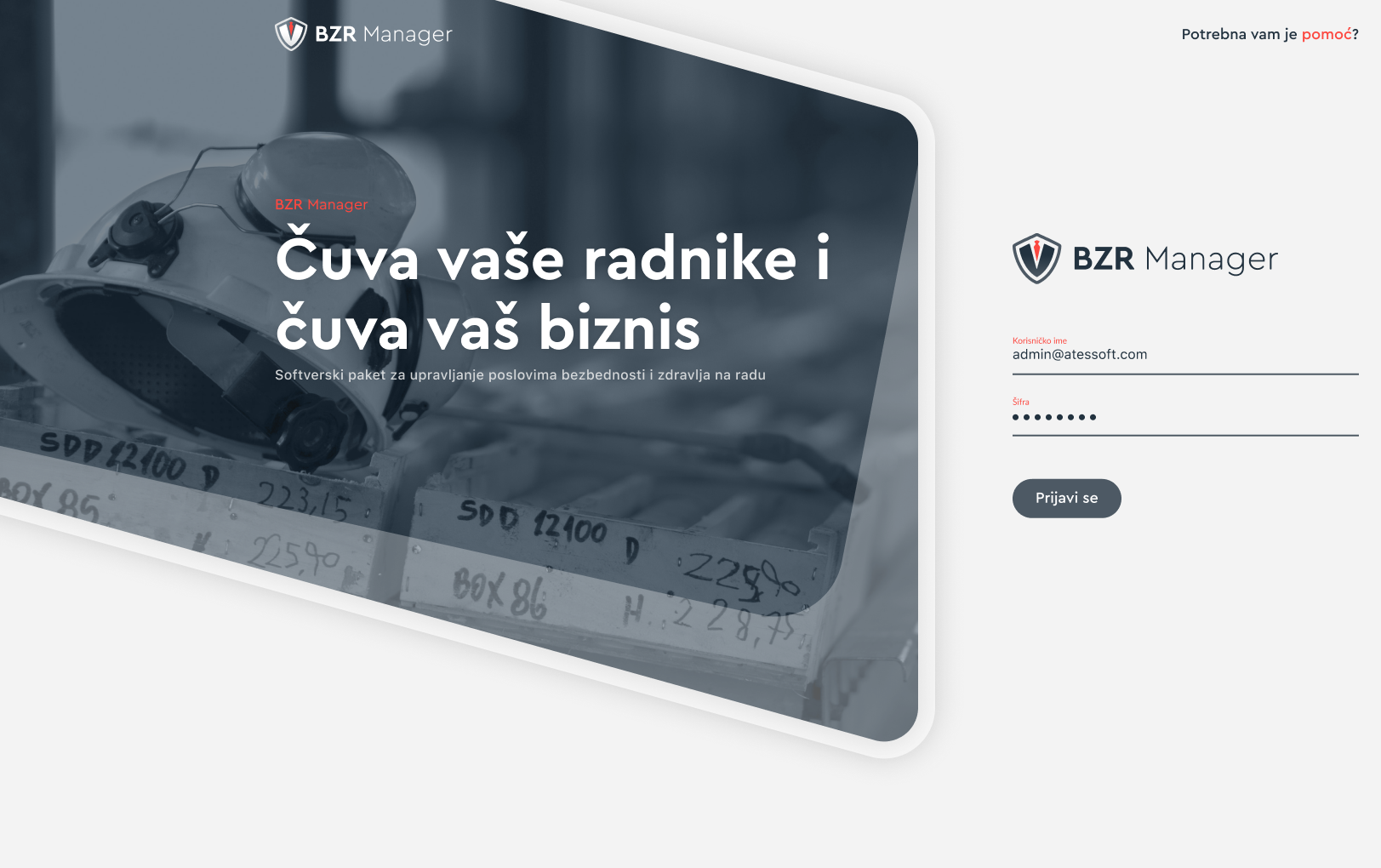
About BZR Manager

The core of this software solution is an unique database of employees with protected personal data, which stores data on employees and their obligations related to work in the field of OSH. It may or may not communicate with existing employee records from HR software. A special document management system is an integral part of the application and that allows external documents to be stored too.

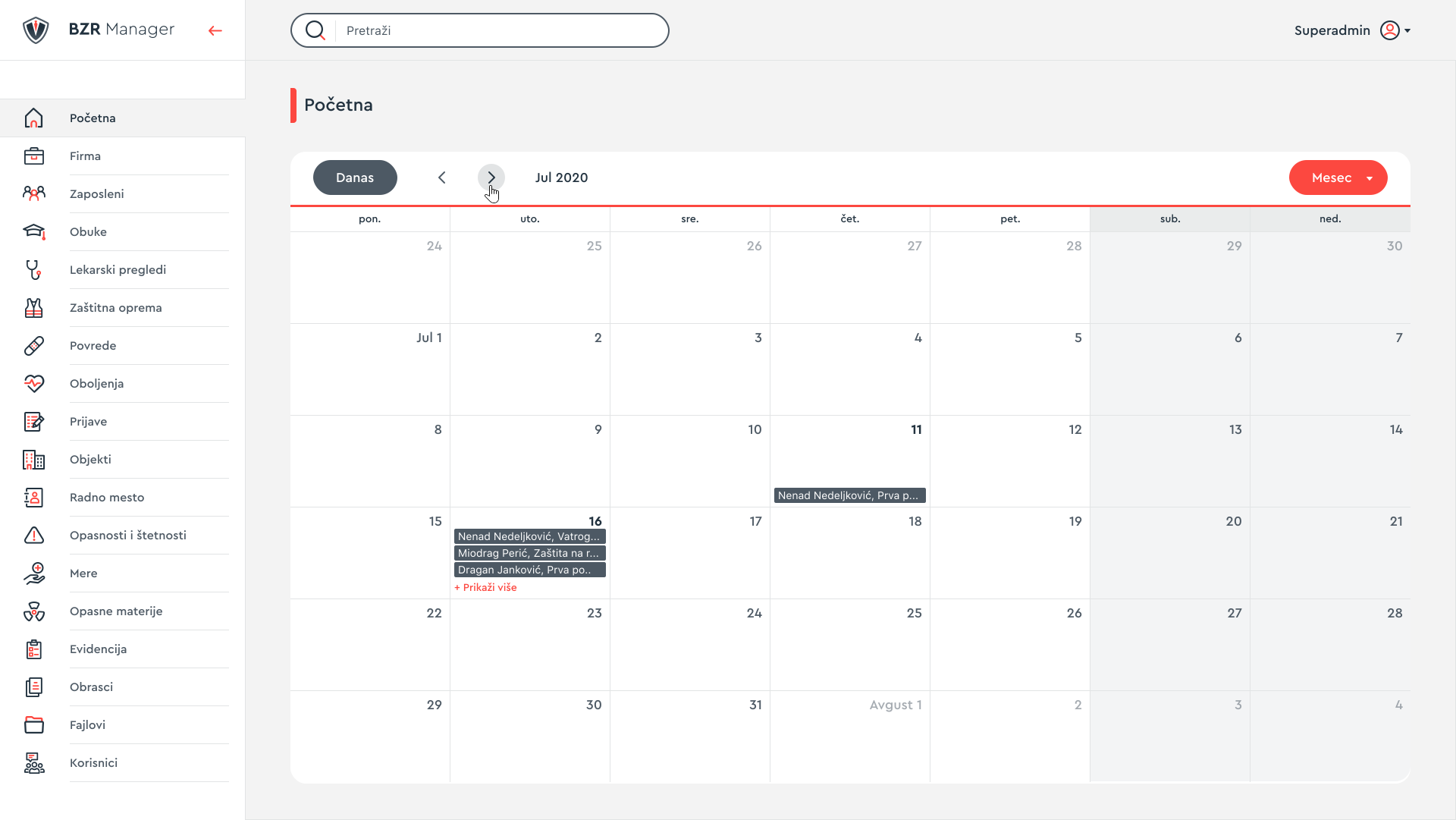
Access to the application is enabled for various user roles, whose access rights to certain parts of the system are to be specifically defined. The user interface itself is intuitive and ergonomic. It consists of a simple navigation on the left and a kind of workspace or "dashboard" on the right. From the user's point of view, the central part of the application is actually a calendar of obligations in which all events relevant to the company as a whole, individual facilities or parts, up to the level of each individual employee (eg expiration of individual certificates, deadline for certain trainings and periodic examinations, etc.) are noted. A separate calendar is valid for each user role. In that sense, a special notification system has been implemented.

The most important characteristics

Automatsko popunjavanje obrazaca Automatsko popunjavanje obrazaca

Automatic form filling

A special advantage of our solution in relation to similar solutions on the market is the automatic filling and storage of all 11 legally required forms from the EHS/OSH field.

Generating documents

In addition to legal forms, the system also generates documents such as instructions for previous and periodic medical examinations and reports of injuries at work.

Automatsko popunjavanje obrazaca Automatsko popunjavanje obrazaca
Automatsko popunjavanje obrazaca

Calendar of obligations

The central area of the dashboard is occupied by the calendar of obligations for the upcoming period, which allows all those in charge of occupatioal safety matters to be informed and warned not to miss important deadlines.

Application modules

In addition to basic information about the company, its organizational structure, facilities, and equipment, the application also includes special records on training and certificates, necessary medical examinations, hazards and harms, protective equipment and protection measures, hazardous substances and possible injuries and diseases.

module-icon

The company

Entering and updating basic company data used to forming forms.

module-icon

Employees

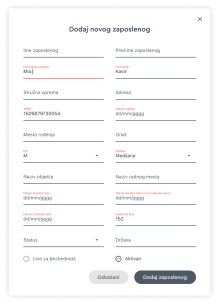
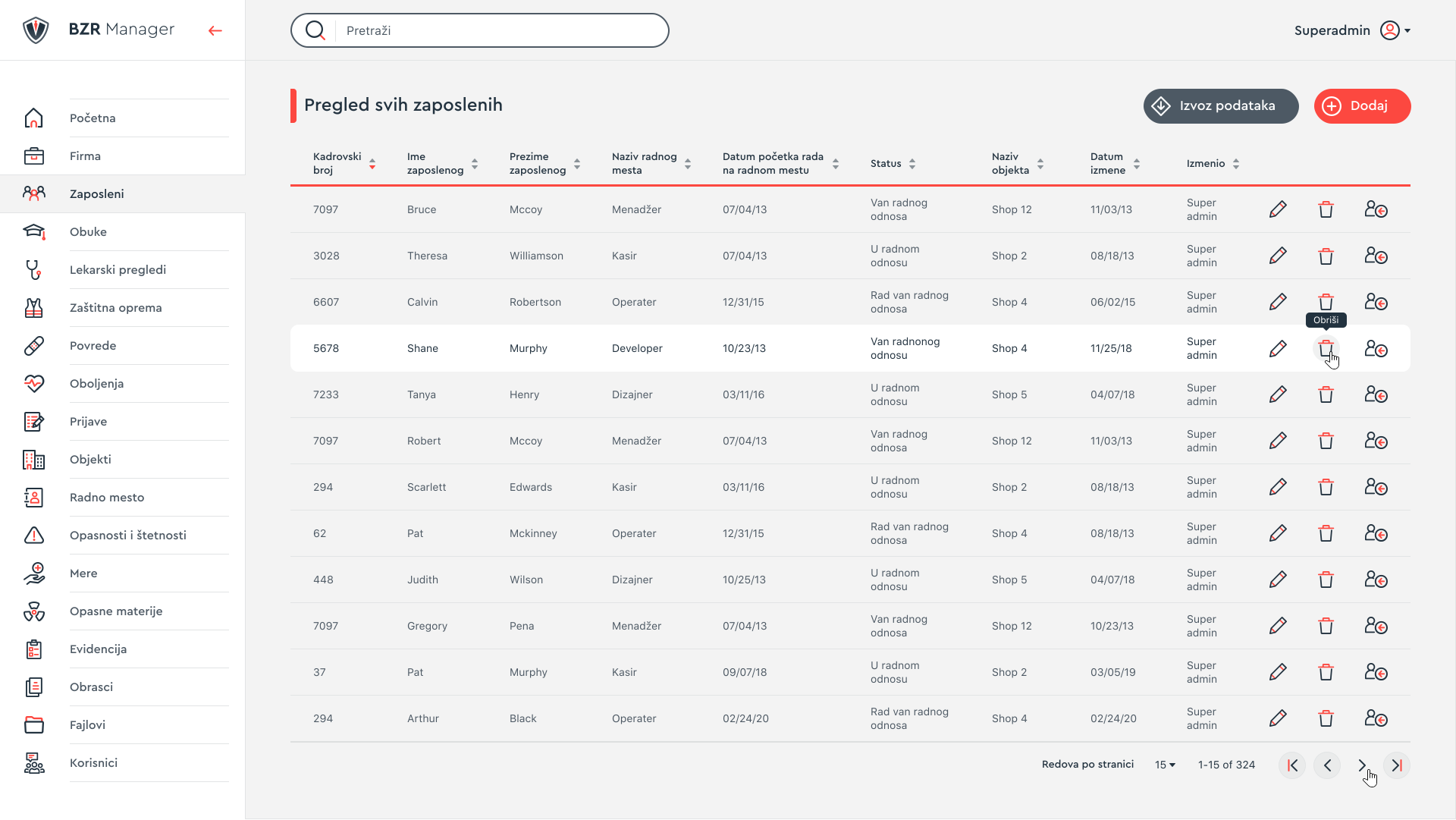
A key module that allows managing an employee database.

module-icon

Trainings

Definitions and updates of training data provided by employees.

module-icon

Medical examinations

Data on previous, periodic and emergency medical examinations.

module-icon

Protective equipment

Catalog of protective equipment and assignment to employees.

module-icon

Injuries

Managing the process of treating an injury, i.e. an emergency event.

module-icon

Diseases

Recording of occupational and work-related illnesses.

module-icon

Applications

Registration and processing of all applications, regardless of the cause.

module-icon

Facilities

Data on facilities, plants, organizational units, etc.

module-icon

Working places

Catalog of working places with appropriate connections to EHS requirements.

module-icon

Dangers and harms

List of possible dangers and harms.

module-icon

Measures

List of measures for overcoming possible dangers and harms.

module-icon

Hazardous substances

List of hazardous substances and their connections to individual workplaces.

module-icon

Forms

Generating, storing and printing legally required forms.

module-icon

Files

Access to all entered or generated files, regardless of the module in which they were created.

module-icon

Folders

Access to all entered or generated folders, regardless of the module in which they were created.

module-icon

Users

Defining access rights for individual system users.

module-icon

Settings

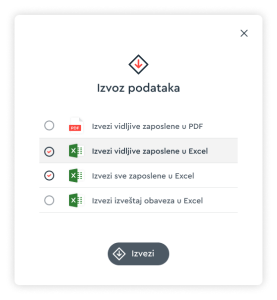
Parameters setting, data export / import and other system settings.

Your data is safe!

This software package is a web application, and can, therefore, be accessed from any location, through a personal computer, smartphone, or tablet, via a suitable web browser. On the server-side, for security and reliability, our clients mostly decide to install a server (Web server, Database server, File server) on their infrastructure, although a cloud solution is available if desired. The default variant uses the MS SQL2019 database, in the backend is Java 8 SE, Spring, and Hibernate, and in the front end is HTML5, CSS3, MaterialUI, React.js, and Redux.

Terms of purchasing the BZR Manager software package

logo

Basic license

+ setup fee*

Custom plan!

Unlimited software usage

Unlimited number of computers

Unlimited number of users


* The setup fee depends on each individual case and represents the amount of additional work required to adapt the standard version of the software to your specific requirements.

By purchasing a basic license, you acquire the right to use the software unlimitedly within one organization, on an unlimited number of computers and with an unlimited number of users (operators). The price of the basic license is fixed, ie. depends only on the size of the organization. The setup fee is the amount of additional work required to adapt the functionality of the software to your specific requirements, to the extent that they deviate from the standard version. That which is determined through the analysis process and is presented to you in the final offer.

User documentation, training for use, warranty period, and software maintenance after its expiration are provided.

Schedule a meeting so that we can present our software package and answer all your potential questions. Professionals from Logic and Ates Soft are always at your disposal.

Contact us

* Required fields